AI Expense Tracker
with Voice Input

Expense tracking, made clear. Effortlessly.

Speak it or type it. TrackDad is a personal expense tracker for iPhone that turns everyday income and spending into clear summaries and charts—even when you record expenses offline. TrackDad is also designed for Android, with the Android release coming soon.

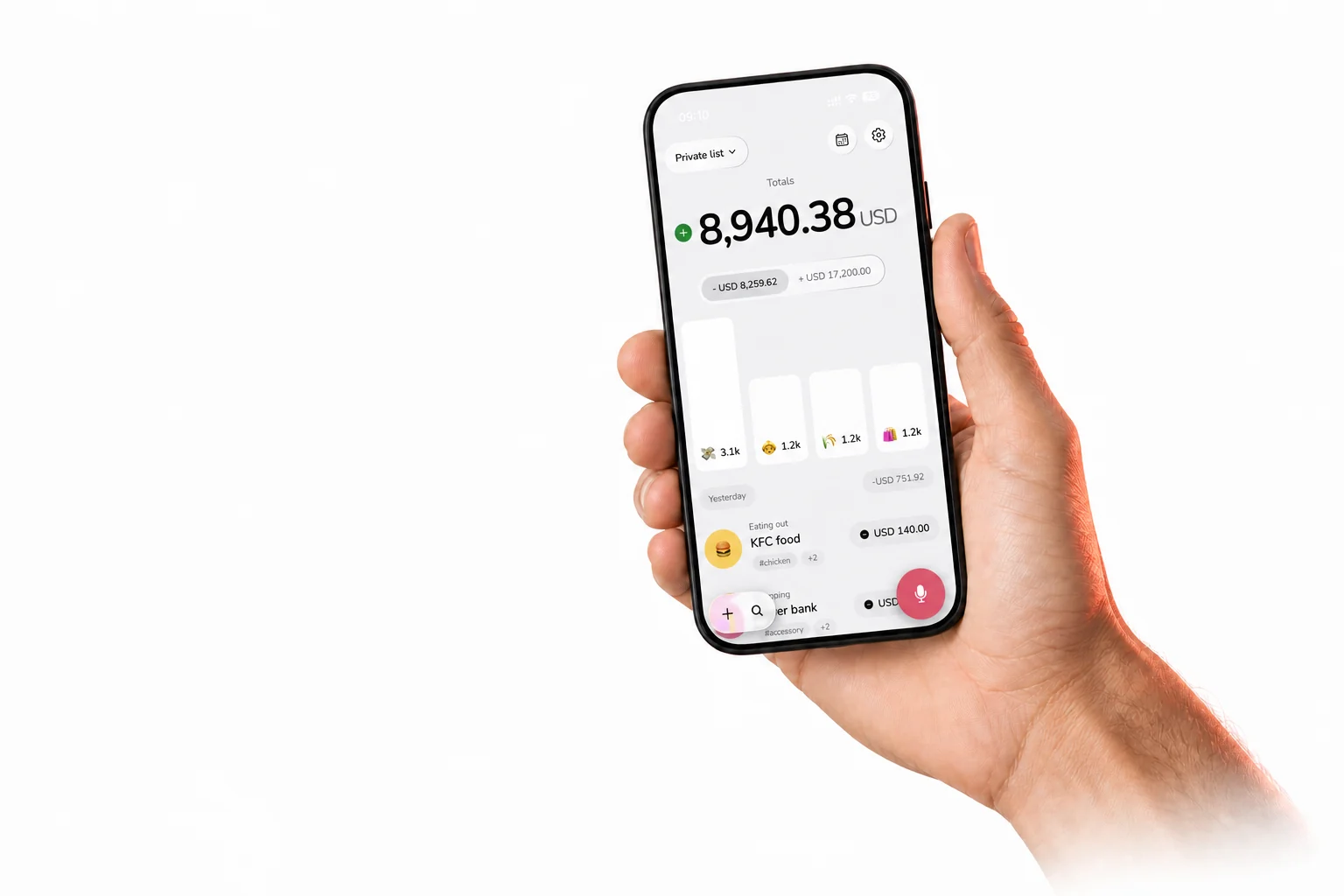
A hand holding a phone displaying the TrackDad home screen

Track money without slowing down

Add an expense by voice or manually, build a simple habit, and understand your spending through clear summaries and charts.

Enter effortlessly

Say what you spent or add it manually. No forms, no friction.

Build the habit

When tracking takes seconds, consistency becomes natural.

See the full picture

See categories, budgets, income and expenses in one calm view.

Everything you need, nothing you don’t

A voice expense tracker, offline expense tracker, budget tracker, and recurring expense tracker in one calm app—with categories, tags, search, and manual entry when you need it.

Voice or manual

Speak your expenses.
Sorted instantly.

Tell TrackDad what happened in your own words. It detects the amount, description and category, then lets you review before saving.

  • Natural voice input
  • AI-assisted categorization
  • Fast manual entry when you prefer typing
Budgets

Create budgets
and stay on track.

Set category budgets, monitor how much you have spent, and see exactly how much remains before reaching your limit.

  • Clear category progress
  • Exact remaining budget
  • Custom warning thresholds
Works offline

Track expenses anywhere,
even offline.

Record expenses and review cached spending and budget progress without an internet connection. TrackDad keeps working while travelling, commuting, or whenever connectivity is unreliable.

  • Offline expense entry
  • Automatic sync after reconnecting
  • Cached summaries and budget progress
Custom currencies

Use the currency
that works for you.

Choose and change your preferred currency so your income, expenses, budgets, and reports match the way you manage money.

  • Multiple currency expense tracker
  • One currency across totals and reports
  • Easy to change in settings
Recurring

Set it once.
Keep life current.

Rent, subscriptions, salary and regular bills stay on schedule without being entered again and again.

  • Daily, weekly or monthly schedules
  • Expense and income support
  • Pause or edit whenever life changes
Multiple private lists

One app.
Every money world.

Keep personal, business, travel or household transactions in separate private lists and move between accounts in a tap.

  • Focused totals for every list
  • Separate categories and budgets
  • A clean home for every account
Import & export

Your data.
Ready when you are.

Bring existing transactions into TrackDad or export a list to CSV for reporting, backup or sharing.

  • Straightforward CSV import
  • Export any list
  • Share through apps already on your device
Designed for calm

Minimal design.
Maximum clarity.

No intimidating finance dashboard. Just the information you need, presented in a way that feels natural every day.

  • Light and dark appearance
  • Optional glass styling
  • Quick search, tags and custom categories
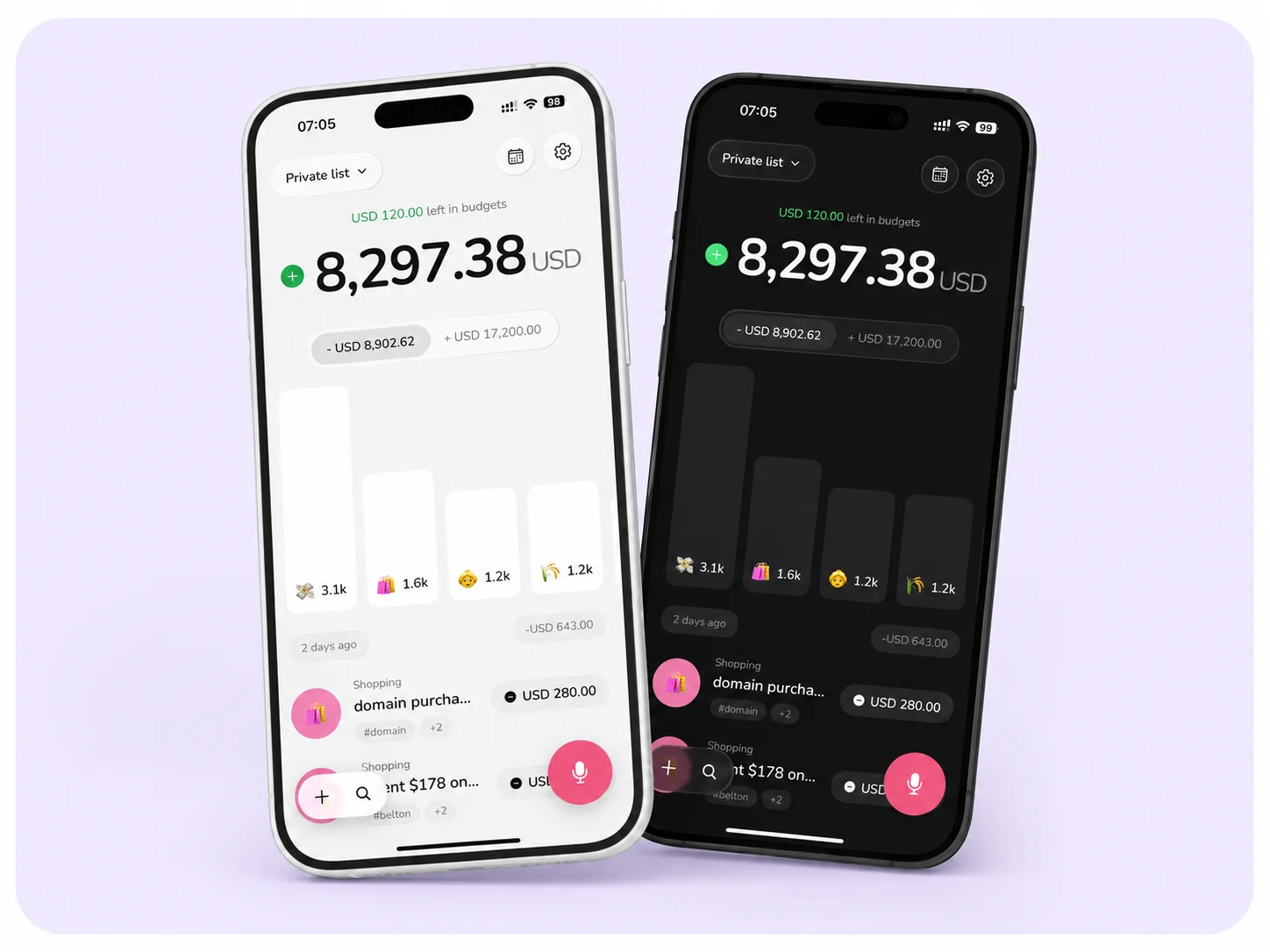
TrackDad shown side by side in light and dark mode

Built to make tracking feel lighter

TrackDad focuses on practical details that make a personal expense tracker easier to use every day.

Quick entry

Seconds, not spreadsheets

Voice and quick entry make tracking small enough to become an everyday habit.

Clear summaries

A dashboard that breathes

Your spending stays visible without turning personal finance into a second job.

Flexible setup

Your system, your way

Custom categories, tags and separate lists adapt to how you actually use money.

Free to download

Start with the system that works for you.

TrackDad is free to download on iPhone and offers optional in-app purchases.

TrackDad expense tracker FAQ

Straight answers about voice tracking, budgets, lists, subscriptions, and your data.

What is TrackDad?

TrackDad is an AI-assisted personal expense tracker for iPhone. It helps you record expenses and income, understand category spending, set budgets, and keep separate money lists. An Android version is designed and coming soon.

Can I add expenses using my voice?

Yes. Speak naturally and TrackDad extracts the transaction details, suggests a category, and lets you review the entry before saving it.

Does TrackDad work offline?

Yes. You can record expenses offline and review spending and budget information already stored on your device. New offline transactions sync automatically when you reconnect. Changes that need the server, such as editing a budget, require connectivity.

Can I change my currency?

Yes. Choose your preferred currency in TrackDad so income, expenses, budgets, summaries, and reports use the currency that matches how you manage money.

Can I create category budgets?

Yes. Create budgets for individual spending categories, monitor how much you have spent, and see how much remains before you reach each limit.

Does TrackDad support recurring transactions?

Yes. You can schedule recurring expenses or income using daily, weekly, and monthly intervals, then pause or edit them when needed.

Can I organize personal and business spending separately?

Yes. TrackDad supports multiple lists for personal, business, travel, household, or any other way you want to organize money.

Can I export my TrackDad data?

Yes. TrackDad can import existing transactions from CSV and export individual lists for reporting, backup, or sharing.

Is TrackDad free to download?

Yes. TrackDad is free to download for iPhone and offers optional in-app purchases. Eligible new subscribers may receive a free trial when it is shown on the App Store subscription screen.

About TrackDad

A small, independent app built around one stubborn idea: tracking money should feel lighter than spending it.

Most expense trackers ask you to become an accountant. TrackDad takes the opposite approach: say what happened, let the app organize it, and get back to your day. It is private by default, calm by design, and made for real life—not perfect spreadsheets. TrackDad is independently created by Lothar Tjipueja and designed for iPhone and Android; the iPhone app is available now, with Android coming soon.

Start understanding your money today

Download TrackDad free on iPhone, speak your first expense in seconds, and choose optional in-app purchases only if they suit you.